Your Make.com Scenarios Now Have a Database
This is the big one.
Connect your Make.com account to Boost.space with an API token, and you get a central database behind all your automations — one place where your data lives, gets enriched, and stays consistent across tools. You still build your scenarios in Make.com the way you always have — but now they read from and write to a shared data layer instead of passing data into the void.
No more Google Sheets as a "database." No more duplicated records across tools. No more scenarios that break because one app updated a field format.
Here's what you get:
- One-click connection — paste your API token and you're live
- Complete visibility — see exactly what data flows in from which scenarios
- A brand-new Boost.space app in the Make Engine — clean, intuitive endpoints built specifically for how you work today. Finding the right action takes seconds, not minutes
- Two-way sync — data flows into Boost.space, gets enriched and validated, then pushes back to your tools automatically
- Priority rules — when multiple scenarios update the same record, you decide which one wins
Make.com handles the automation logic. Boost.space handles the data. Together, they're the automation operating system you've been assembling from five different tools.
Stop Mapping Fields. Let AI Do It
Every Make.com user knows the pain: you connect a new tool, and then you spend the next hour dragging fields into the right slots. Field by field. Column by column. For every single module.
The new AI Mapping Module ends that.
Drop the entire data bundle from any app in your scenario — HubSpot, Shopify, Stripe, whatever — into Boost.space, and AI figures out the rest. It reads the incoming data, recognizes what each field is, and maps everything to the right columns automatically. If a column doesn't exist yet, it creates one.
One action. Zero manual mapping. Works with any tool.
Empower Your AI Agents with Actual Data (MCP)
Your AI agents are only as good as the data they can reach. Right now, most of them are isolated — they can chat, but they can't act on your actual business data.
Boost.space 5.0 changes that with a Remote MCP Server built into every account.
Connect Claude, OpenAI, Cursor, Windsurf, or any MCP-compatible AI tool using OAuth or an API Token — and suddenly your agent can read contacts, create orders, update inventory, and work across your toolstack. Not through hacky workarounds. Through a proper, secure protocol designed for exactly this.

Custom Modules: Your Business, Your Rules
In v5.0, Custom Modules are no longer an "extra"—they are the core. We’ve moved away from rigid structures to a platform that adapts to you.
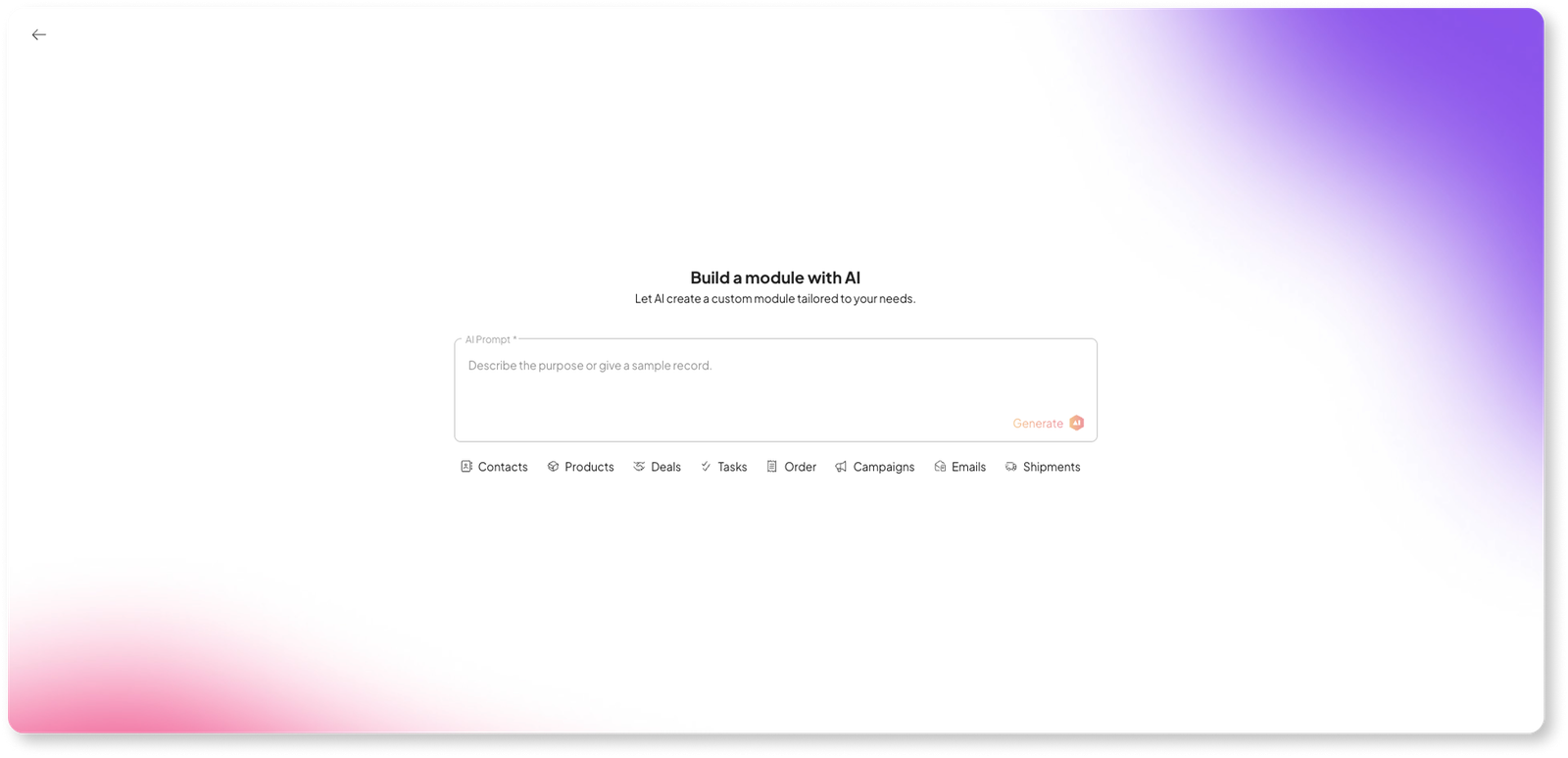
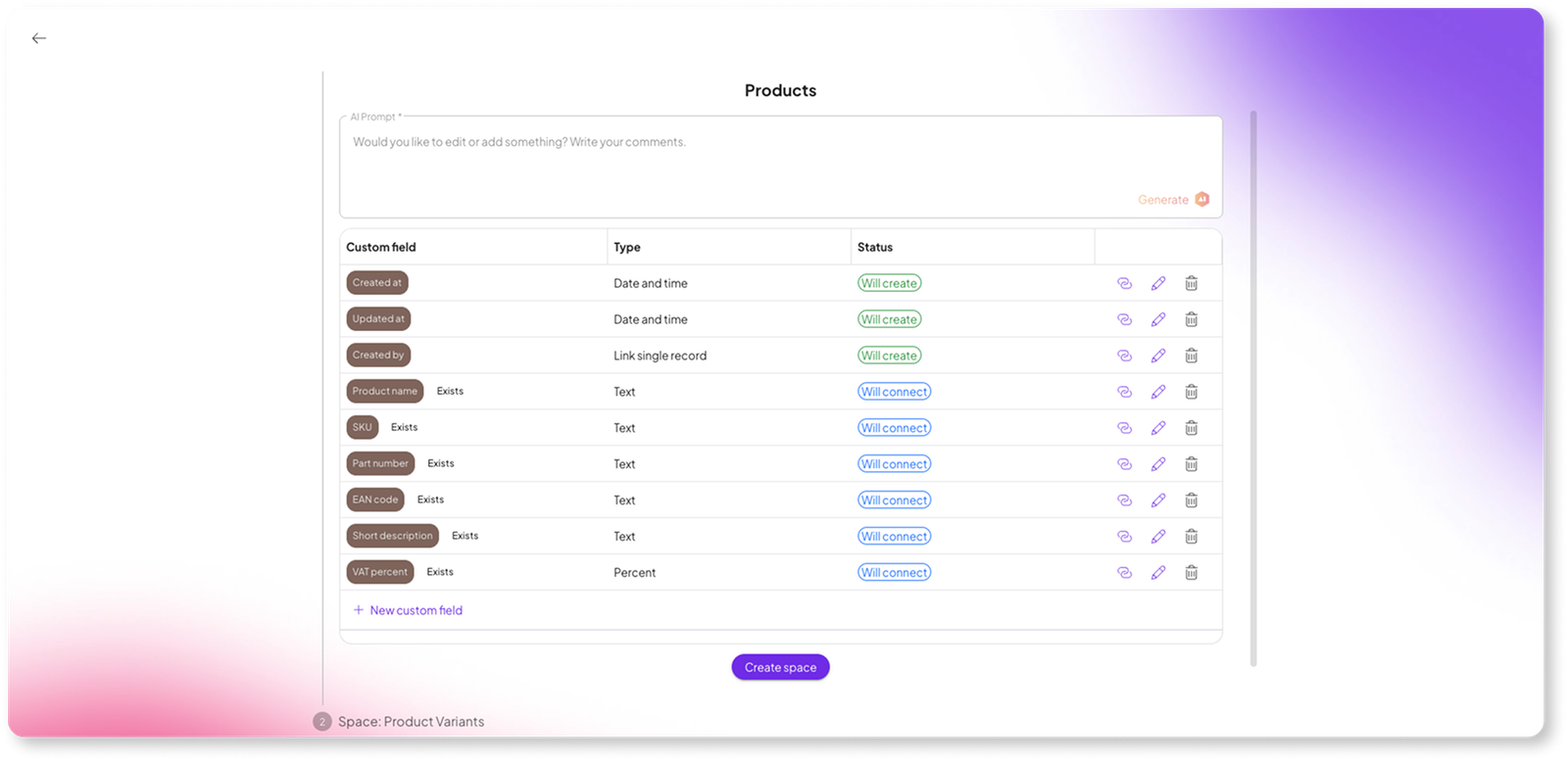
- AI Module Generation: Just say: "I need a module for real estate listings," and the AI builds the entire structure—field groups, relationships, and types—in seconds.
- Standardized Custom Fields: We’ve introduced "Standardized Fields" (Email, Phone, Address) inside Custom Modules. This means your custom data still plays nice with our global automation templates.
- No More "Custom Item" Lists: Every module now appears by its actual name across the entire system—in filters, webhooks, and settings.
AI That Works Inside Your Data
We've woven AI throughout the entire platform — not as a gimmick, but as a layer that makes your data continuously better.
- AI Toolbar — access all AI tools directly from any table: AI Fields for auto-generating data, AI Data Transformation for reshaping values across records, and AI Data Validation for catching inconsistencies before they spread
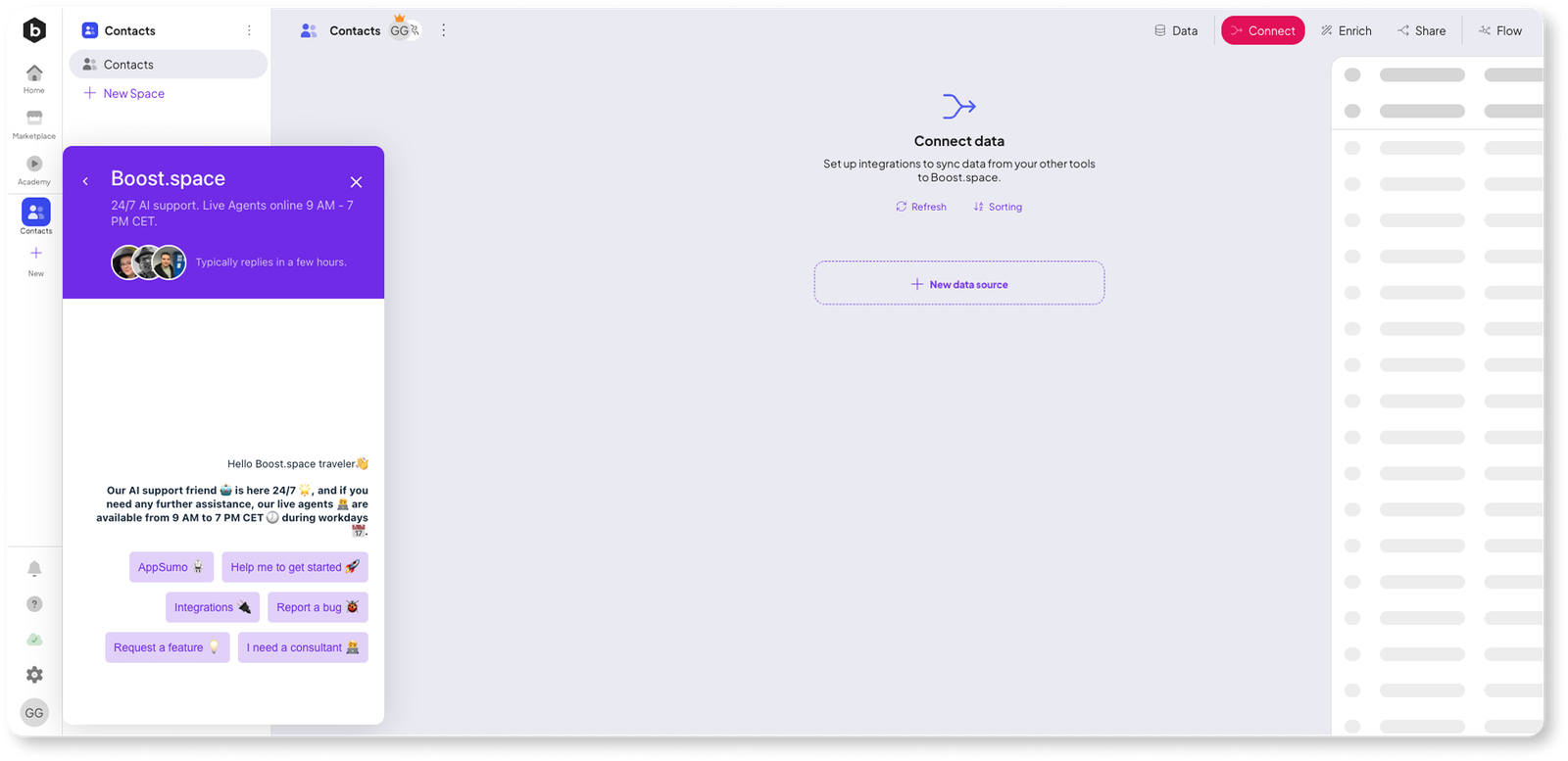
- AI Support Chatbot — ask anything about Boost.space right inside the app and get instant, context-aware answers
Everything Else That'll Make Your Day Better
Inline table editing — create records directly in the table. Click "+", start typing, done. No more full-page modals for every new entry.
Completely reworked filters — the old sidebar filter is gone. The new one is faster, more powerful, and built for the complex queries your data actually needs.
Linked Records as tables — flip a toggle and your linked records display as a full, interactive table. See related data without leaving the page.
Button field — a clickable button right in your table row that triggers a webhook. One click = one automation fired for that specific record. Run scenarios, update tools, kick off workflows — all without leaving the table.
Simplified settings — advanced features are tucked behind toggles, off by default. Clean interface for new users, full power for those who need it.
Social login — sign in with Google, LinkedIn, or X.
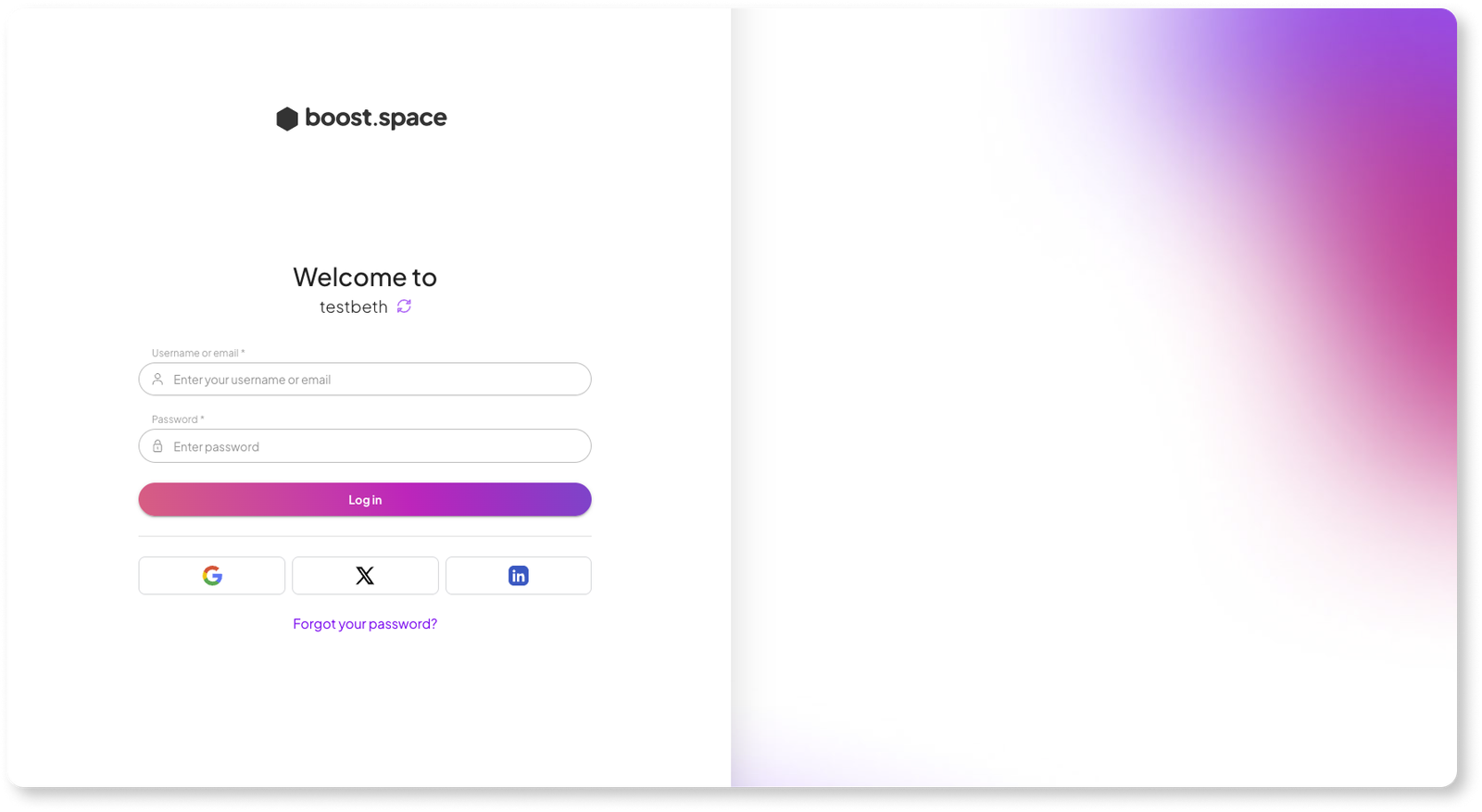
Color-coded selects — assign colors to your Single Select and Multi Select options for instant visual categorization.
New visual identity — refreshed backgrounds, updated branding, and a modernized look across the entire platform.
Breaking Change: Manual Edit Priority
Manual data editing priority has been changed from High to Medium. This means manual edits and scenario-based updates now share the same default priority level. If you previously relied on manual edits always overriding scenario data, review your priority settings to make sure your data flow behaves the way you expect.