
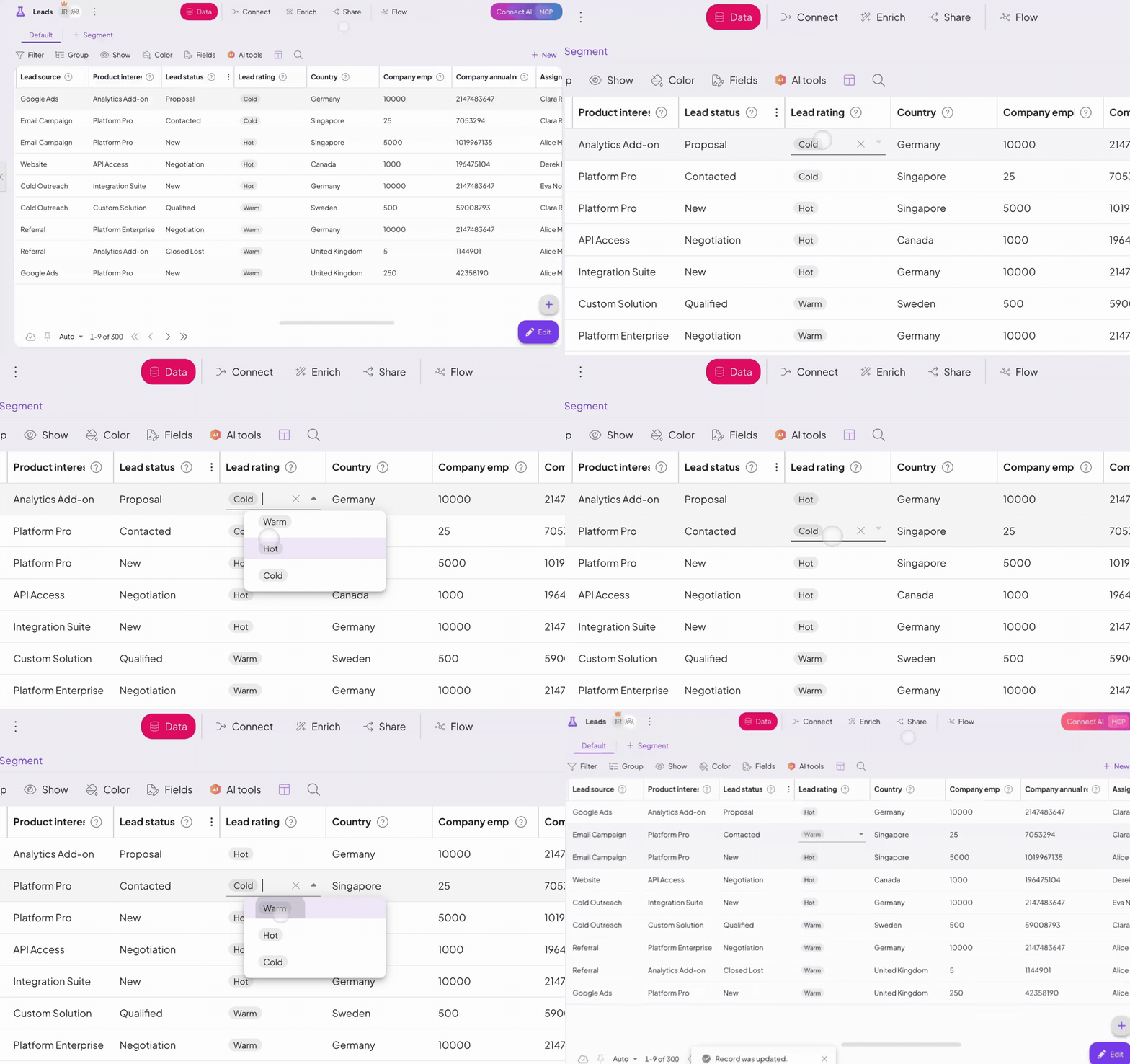
Edit any cell in just a click
Click straight into any cell in a custom module and edit it on the spot. No edit mode to toggle, no extra steps, just the fast, spreadsheet-style editing you already have in your head, now working on your data.
A core that keeps up
As your tables grow into the hundreds of thousands of records, speed becomes the feature. This cycle we rebuilt how the app renders and manages state, right down in the foundation. Tables, record details, and dashboards open faster and stay smooth even on your heaviest systems.

Give your AI the context it needs
Agents work best when they understand your data, so 5.3 gives them more to go on. Every module and space now has a Description field where you can store notes and metadata that feed AI context, right from settings.
Connecting AI tools over MCP is more dependable too: filtering handles any parameter, including identifiers like spaceId and values that look numeric, and agents are pointed at your module schema first, so they build on the fields you actually have.
Smarter AI Import
AI Import now does more than match incoming data to your columns. You can define detailed transformation steps as the data comes in, standardizing formats along the way (unifying date formats, for example), so what lands in your modules is clean and consistent from the start.
It brings the kind of data shaping you know from AI mapping into the import itself.

Also in this release
- Bulk actions now work on linked records, with the same options, behavior, and permissions you have in your main tables.
- Reorder spaces and menus by drag and drop, so your navigation matches how your team works.
- Linked-record fields without a connected module are flagged in the list, so you can complete them before they affect your data.
- Setup wizards use the full width of large monitors.
- The Segmenter confirms before closing when you have unsaved changes.
- Real-time updates hold their connection on a more secure channel, so your screen stays in sync without manual refreshes and your data stays put after a reload.
- Search keeps focus as you type and reaches into grouped fields, deleted records leave the table right away, attachments open at full size, and the first-run and login experience is cleaner throughout.
