
To everyone who tried AgentOS in its first days: thank you. Some of you took the time to tell us exactly where you got stuck. You should be able to hand your agent a spreadsheet and ask it a question. And if you switch chats while it’s answering, you shouldn’t have to start over.
That’s what we focused on in 10.0.10 and 10.0.11. They make up our first big batch of post-launch fixes. Below you’ll find the fixes for file handling and unfinished replies, along with changes to how AgentOS warns you about limits and what your agents can do when the AI wallet runs out.
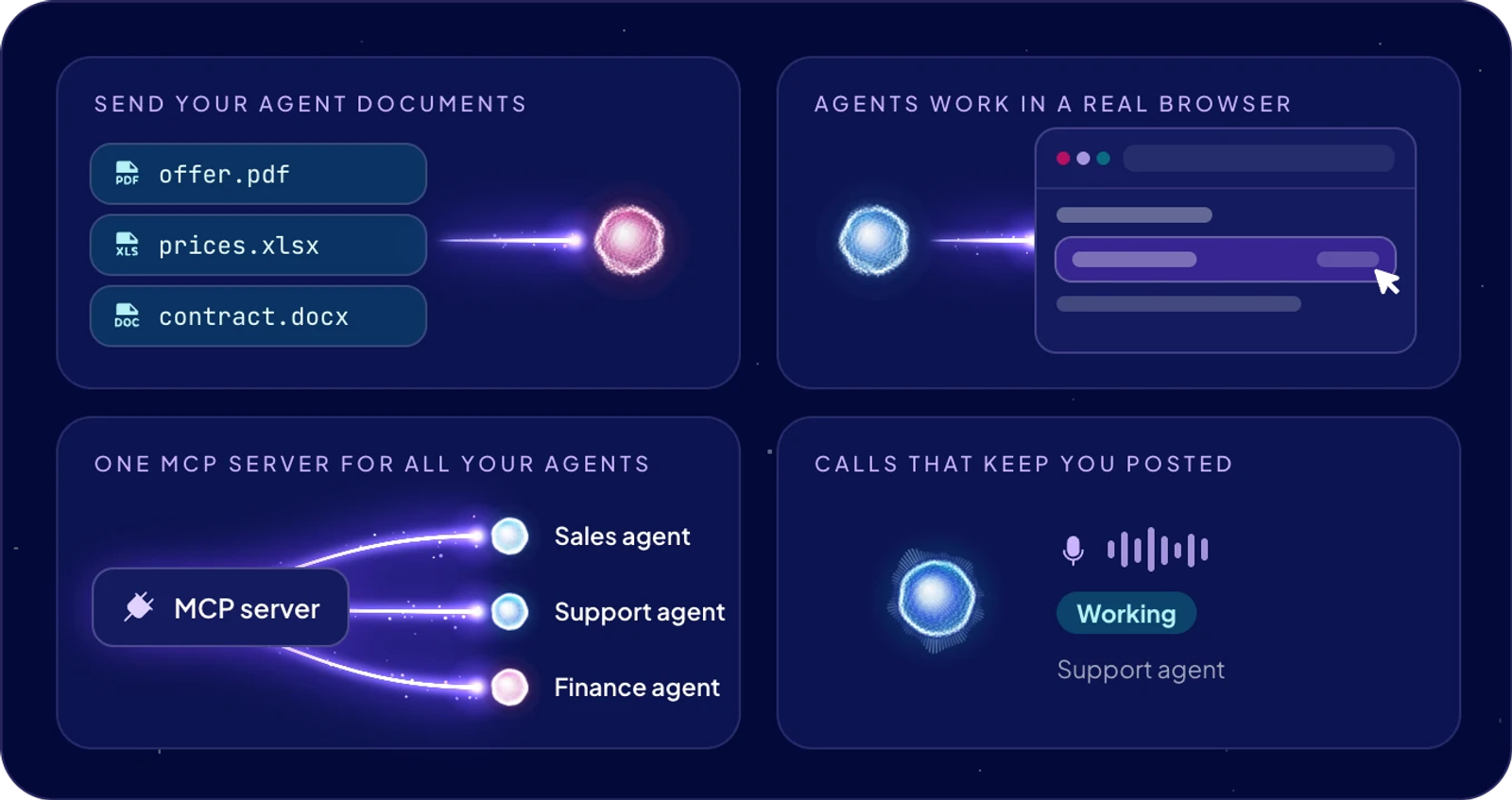
📎 Fixed: file attachments in agent chat
Your agent can read the files you attach to a chat message, up to 10 at once. Use PDF, Word, Excel, PowerPoint, CSV, text or Markdown. For example, attach a supplier’s PDF quote and your Excel price list, then ask which prices differ. See Chat with an agent.
🧭 Agents work in a real browser
Agents on Boost.space cloud now have a browser of their own. They open a page, click through it and read what loads. Reading web pages also works for agents that think with your ChatGPT subscription. See What agents can do.
🔌 One MCP server for all your agents
Add an app's MCP server once and sign in once. Every agent gets its tools, and you switch agents on or off in its Agents cell, like an app from the Library. See Add an MCP server.
👀 Your agent's work stays on screen
Switch to another agent or reload the page, and the chat picks the running answer back up. While an agent works, Home, its page and the sidebar say Working, and the stop button ends the answer. See Chat with an agent.
🎙️ Calls that keep you posted
On a call, an agent answers one sentence at a time. Cut in whenever you like: it stops, and the rest of its answer waits in the chat. While it works, you hear a quiet keyboard. After 20 seconds it tells you it is still on it. After a minute, it says the answer will also be in the chat. See Talk instead of typing.
🏠 See where your agent posts
The Channels dialog shows each channel's home channel, where the agent posts the results of its automations. If there is none yet, the dialog tells you how to set it. See Channels.
🔐 Save an API key from its link
When an agent asks for an API key, open its one-time link and save the key. The agent can use it from then on. A teammate who is not an admin sees Only an admin can save this and can pass the link to an admin. See Secrets.
🧩 Add a skill and see who got it
When you pick agents, the ones that are not running are greyed out. If the name is taken, you get a link to the skill that has it. Once the skill is added, a message says which agents got it. See Skills.
📬 A heads-up before a limit
Admins get an email when your system reaches 80% of its AI Credits, ACT Operations or Records, and again at 100%. Each admin gets it in their own language. See Plan and billing.
🛟 Agents keep working when the wallet runs out
An agent on the AI wallet switches to a slower free model and keeps answering. It tells you once, wherever you talk to it, with a link to connect your own AI for full speed. Boosty takes a break until the wallet renews, and its row in Chat shows the date. See AI wallet.
➕ Add records, spaces and modules from one menu
In Data, New and the round + button offer the same choices: a record, a space, and for admins a module. See Work with records.
Read the full 10.0.10–10.0.11 release notes for every change and its how-to guide. You’ll find the rest of the guides in the Boost.space documentation.
Thank you for all your feedback and ideas. If something still gets in the way, tell us what you were trying to do. Write to us any time.
Also in this release: a record opened from a link or after a refresh shows all its values, and Save keeps them · changes saved while your page loads show up too · when you say “module” or “space”, your agent knows you mean the ones in Data · the Slack app you create for an agent carries the agent’s name · Plan and billing shows how many records you have.
