Turn Any File Into Structured Data Instantly
Working with external data just became significantly easier.
You can now upload files directly into the Integrator and automatically map their structure into your Boost.space modules.
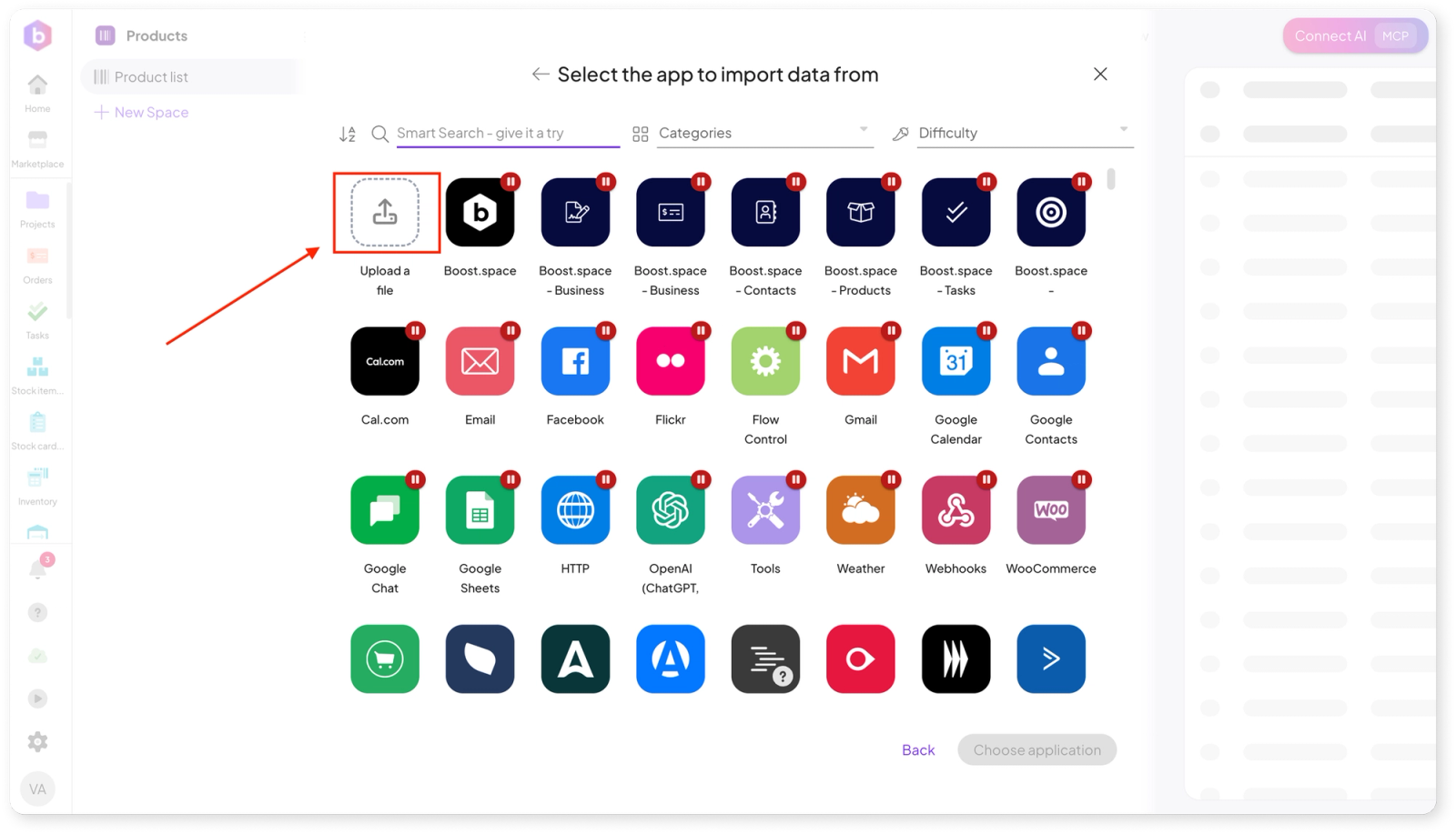
What’s new:
- Support for CSV, XML, and XLSX files
- Automatic field mapping from uploaded data
- Faster and more intuitive import scenario setup
This means less manual work and a much quicker path from raw data to fully usable records.
Connect Your AI Tools with MCP Tokens
We’re expanding how you can work with AI inside Boost.space.
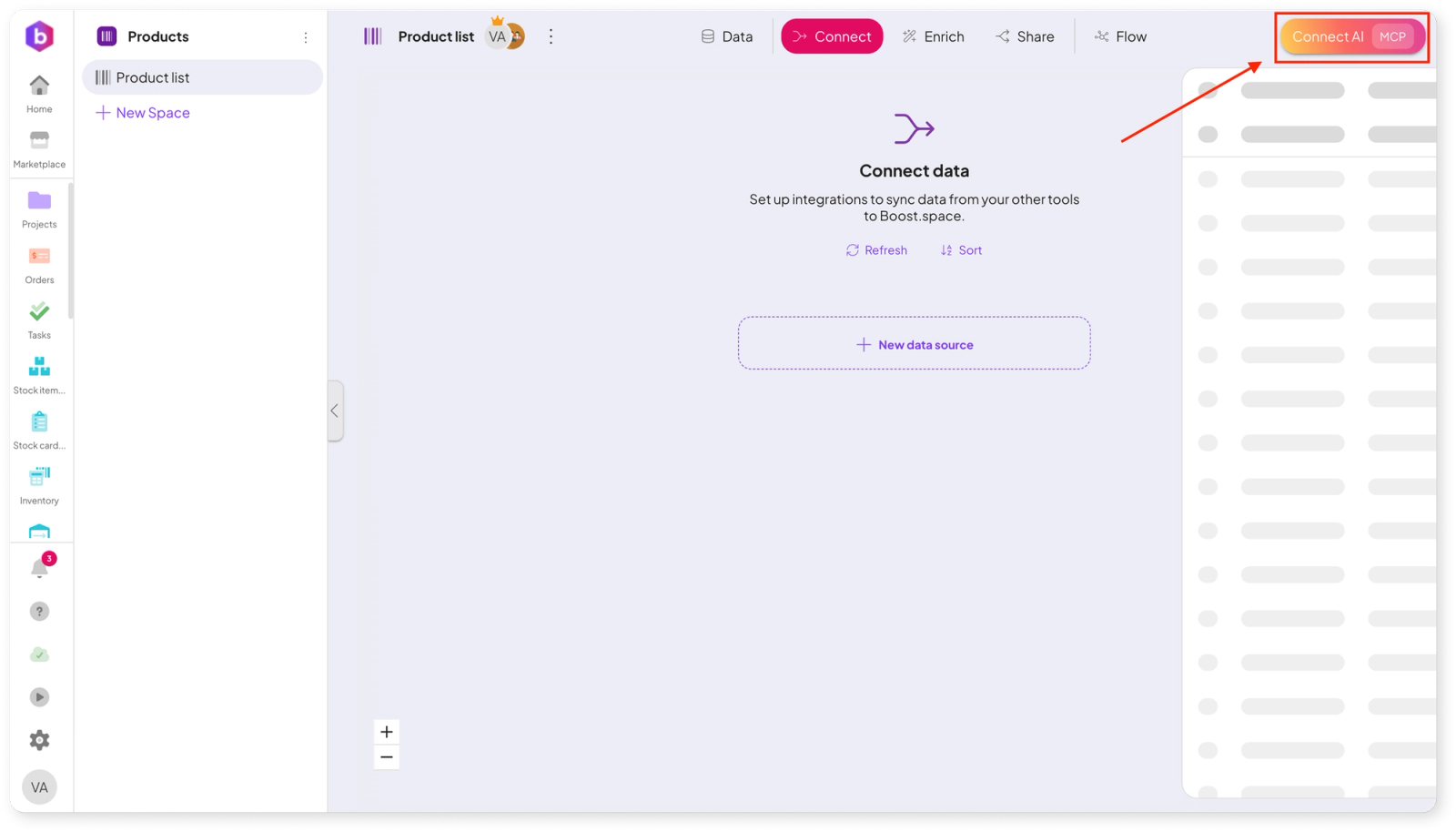
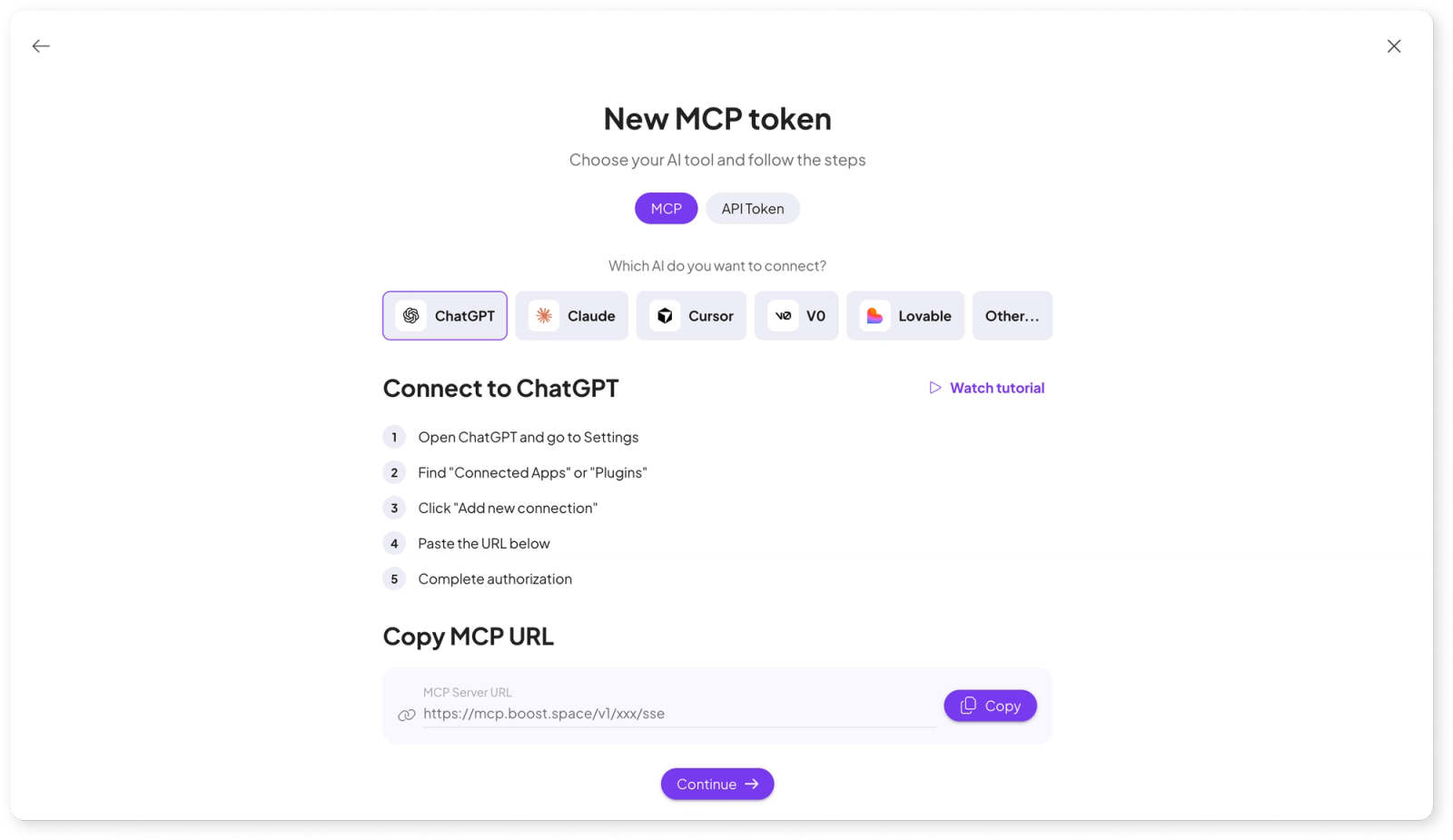
You can now connect your own AI tools directly to any module using MCP tokens.
Supported tools include:
To make things easy, we’ve included a step-by-step tutorial that guides you through the setup process.
This unlocks more advanced AI-powered workflows tailored to your own ecosystem.
Simplified Make.com Integration Setup
For users on Pro and Business plans, connecting Boost.space with Make is now more flexible and user-friendly.
What’s changed:
- No need to enter your Make API token during the initial setup (welcome flow)
- Token is now added only when creating a specific integration
- If your token is linked to multiple organizations, you can choose which one to use
This gives you more control and removes unnecessary friction during onboarding.

Customize Your Workspace with Flexible Side Panels
Your workspace should adapt to you — not the other way around.
You can now adjust the width of the side panel in individual modules, making it easier to work with different types of data and layouts.
Cleaner Record Detail with Dedicated Attachments Tab
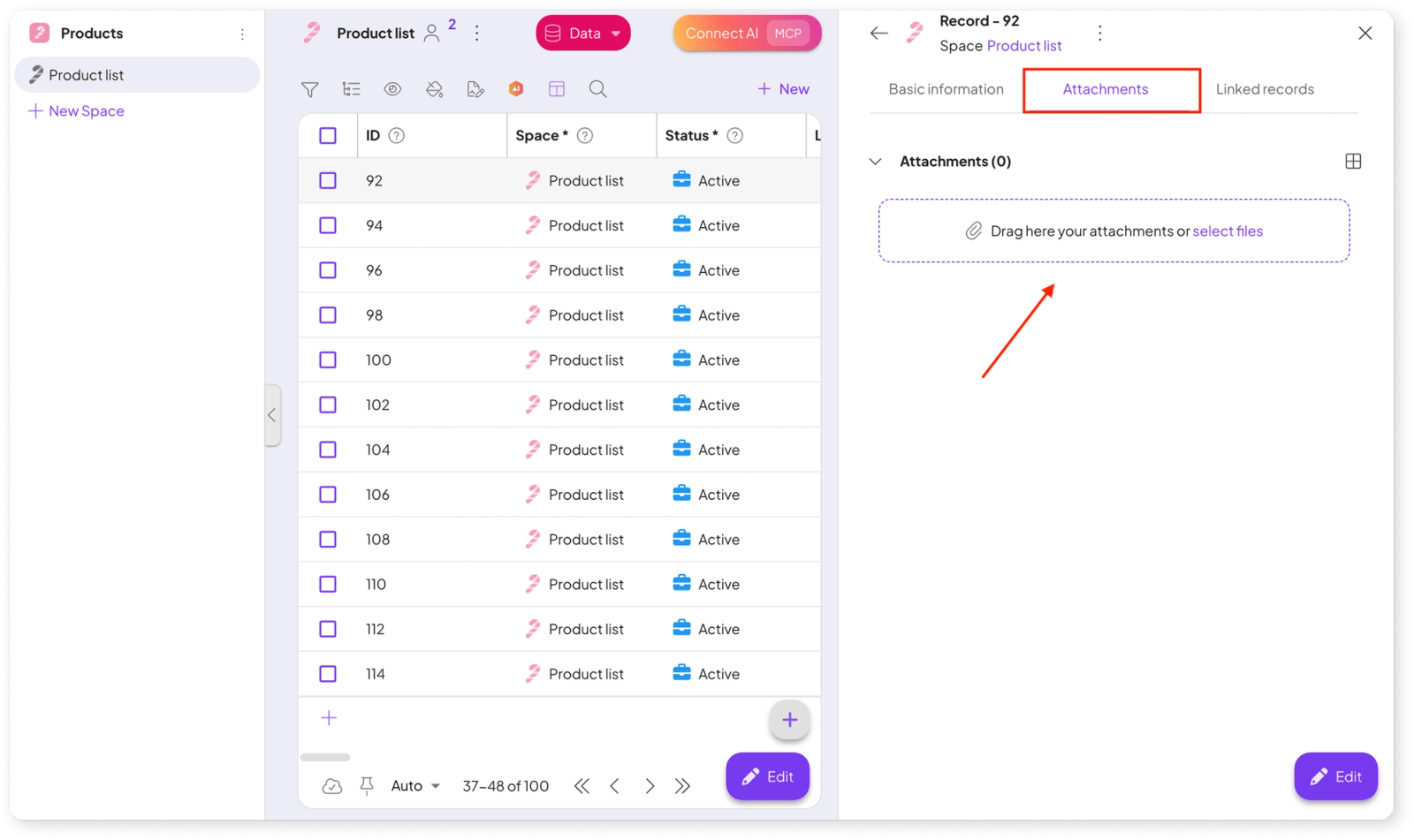
To improve clarity and navigation, attachments are now separated from the main record detail.
They are newly available in their own dedicated tab, giving you a cleaner and more organized view of your data.
Stability Improvements & Fixes
Alongside new features, we’ve delivered a series of important fixes to improve reliability and performance across the platform.
Fixes include:
- Resolved application crashes in the Orders module
- Fixed websocket disconnections causing outdated data display
- Improved reliability of AI module and field generation
- Fixed missing tooltips in the side panel
- Corrected bulk edit behavior when updating multiple fields
- Fixed conditional coloring issues with duplicate records
- Resolved infinite loading in the Projects module
- Fixed incorrect “too many records” warnings appearing in settings
We’re continuously improving Boost.space to give you more power, flexibility, and control over your data and automations.
Stay tuned — more updates are on the way. 🚀
