🔥 Major Updates
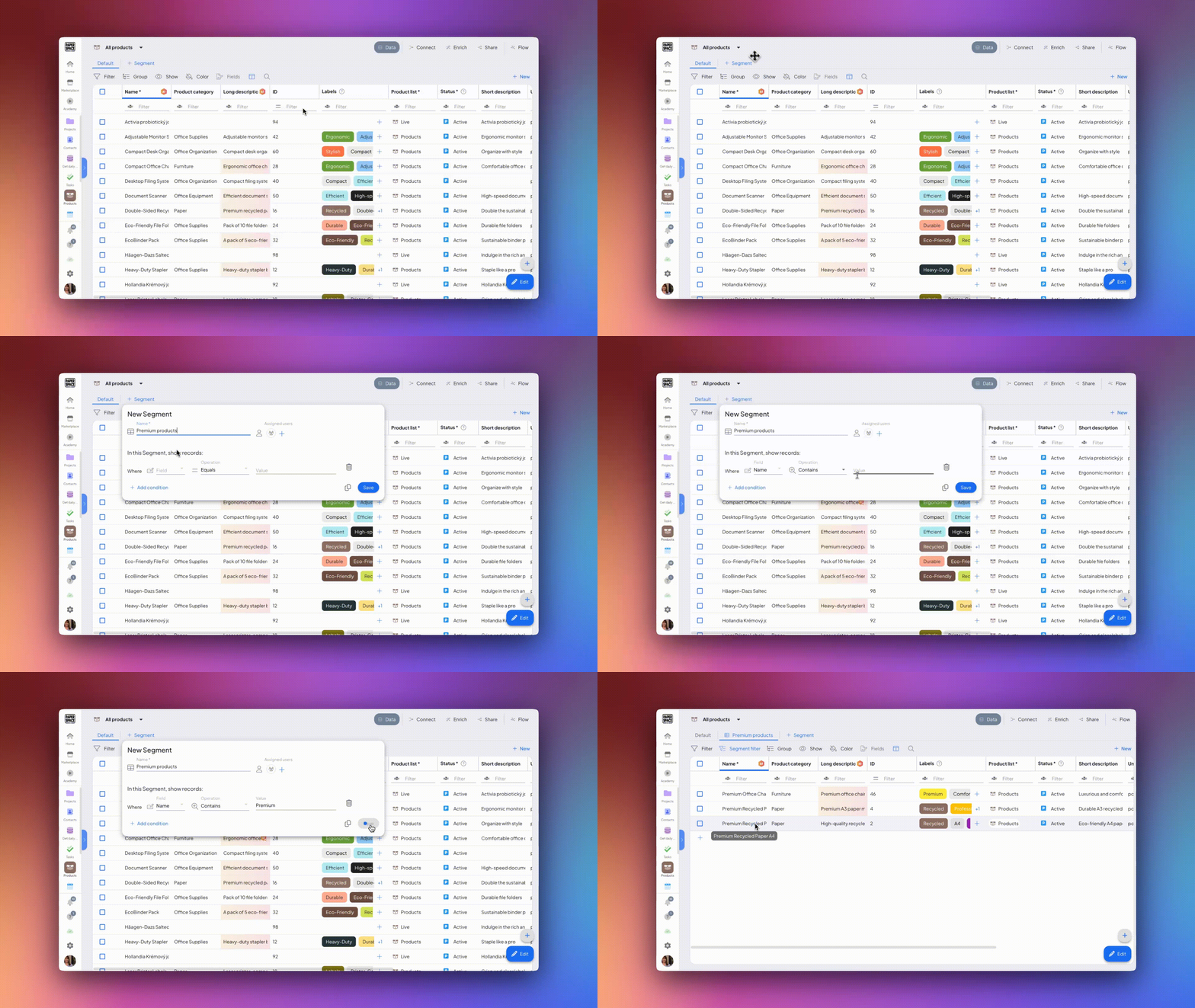
Segmenter for Large Data
The new Segmenter feature is designed for users with large datasets. It is available across all modules, displaying only filtered records to prevent long load times and crashes. Segments can be filtered by space, labels, status, or price, and are automatically activated for systems with over 100,000 records.
Status Center in Left Navigation Panel
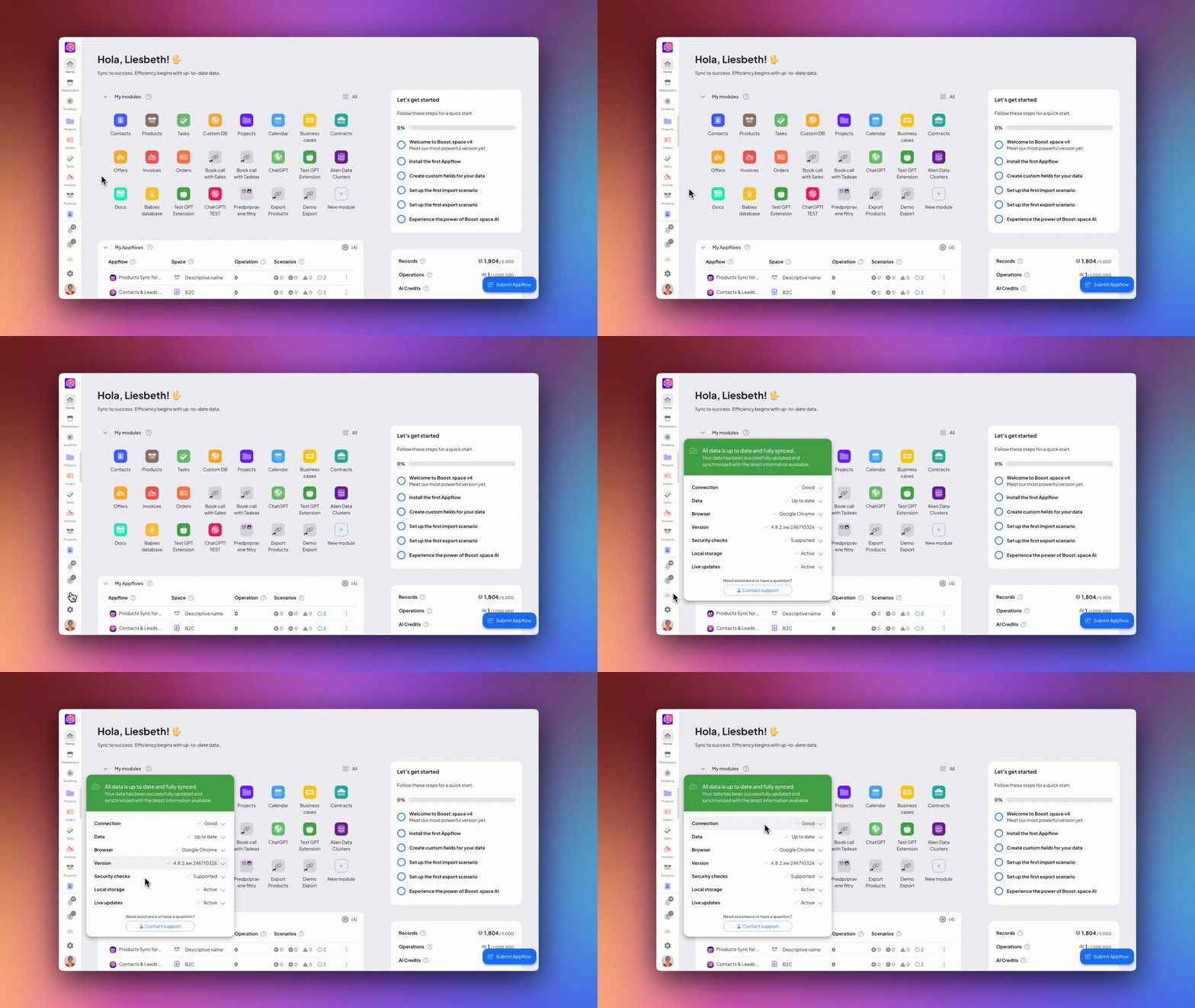
We’ve added an Status Center to the left panel. This cloud icon displays connection status, system version, browser info, and identifies data sync issues to help you quickly troubleshoot problems.
Improved Context Menus
Context menus throughout the platform have been expanded and refined, allowing direct actions on modules, appflows, and custom fields. Managing grouping or editing is now more intuitive in both settings and detail views.
One-Click Filter Clearing in Tables
A new “Clear filter” button lets you remove all active filters at once in the table view filter panel, saving time on data management.
👌 Other Innovations
API Token Priority for Manual Data
Any data manually edited within Boost.space is protected with HIGH priority, ensuring only the right API tokens can overwrite these changes.
Smoother Integration Flow Transitions
Switching between “Data,” “Flow,” and “Enrich” views is now more visually seamless, and scenario overviews have received a design makeover for better clarity.
Faster Record Loading
We’ve optimized data loading speed for item details. Returning to tables now avoids unnecessary data reload notifications, saving you time.
Interactive Homepage Banners
Banners have been added to the dashboard, linking users to actions such as reviewing Boost.space, exploring partnership options, or watching guides for deeper system mastery.
Enhanced “About System” Settings
We improved the “About System” section in the main settings for greater clarity and easier navigation. Statuses and tags are now prioritized in module settings, while less frequently used options are minimized and only shown when needed.

Smarter Stock Issues from Orders
When generating a stock issue note from an order with partially delivered items, only items still pending delivery are shown and selectable for the next issuance.
Rich Text Notes in Orders
The “Note” field in Order details is now a full text editor, making it easier to add and format long-form descriptions.
Progressive Custom Field Loading
Loading custom field groups in item details is now progressive, keeping the system fast and responsive—even with high numbers of custom fields.
Table Column Virtualization
Columns in tables will now load progressively as you scroll, improving the user experience and speeding up work—especially in environments with many custom fields.
Improved Table Row Display
Table row displays are visually enhanced and tailored to avoid performance issues with large datasets. Extra rows may now be displayed only if explicitly enabled in settings.
Action Tooltips for Better Guidance
New system features and terms are explained using tooltips in key locations, such as settings and tables. This provides clearer context for both new and advanced users when navigating elements like “Integrator” or “AI field.”
Email Verification for Integration Access
Users without a verified email will be redirected to complete email verification before creating scenarios or entering the integration area, streamlining security and onboarding.
✨ Additional Minor Fixes and Improvements
Maximum File Upload Increased
The upper limit for files uploaded via the “File” custom field has been raised to 256MB, allowing users to attach larger documents as needed.

AI Custom Field Improvements
We’ve fixed errors and enhanced the AI custom field function. Field content now generates with better accuracy and without display issues. Validation sorting is more reliable.
Bug Fixes Across the System
Numerous system bugs and crashes in areas like creating spaces, editing settings, the menu editor, and renaming table columns have been resolved to ensure smoother performance.
Enterprise Improvements
Custom Fields for Orders and Purchases
You can now add custom fields for individual items within the Orders and Purchases modules. These fields can be defined and grouped per business process, granting you more flexibility across modules.
Part Number Search in Purchases
You can now search purchases in the Purchases module’s table view by their part number within the item name, making it easier to find specific purchases quickly.
Business Cases and Contracts Price Fix
In modules for Business cases and Contracts, the total offer and order prices are now correctly displayed and synced, fixing earlier calculation errors.

🚀 Coming up Next
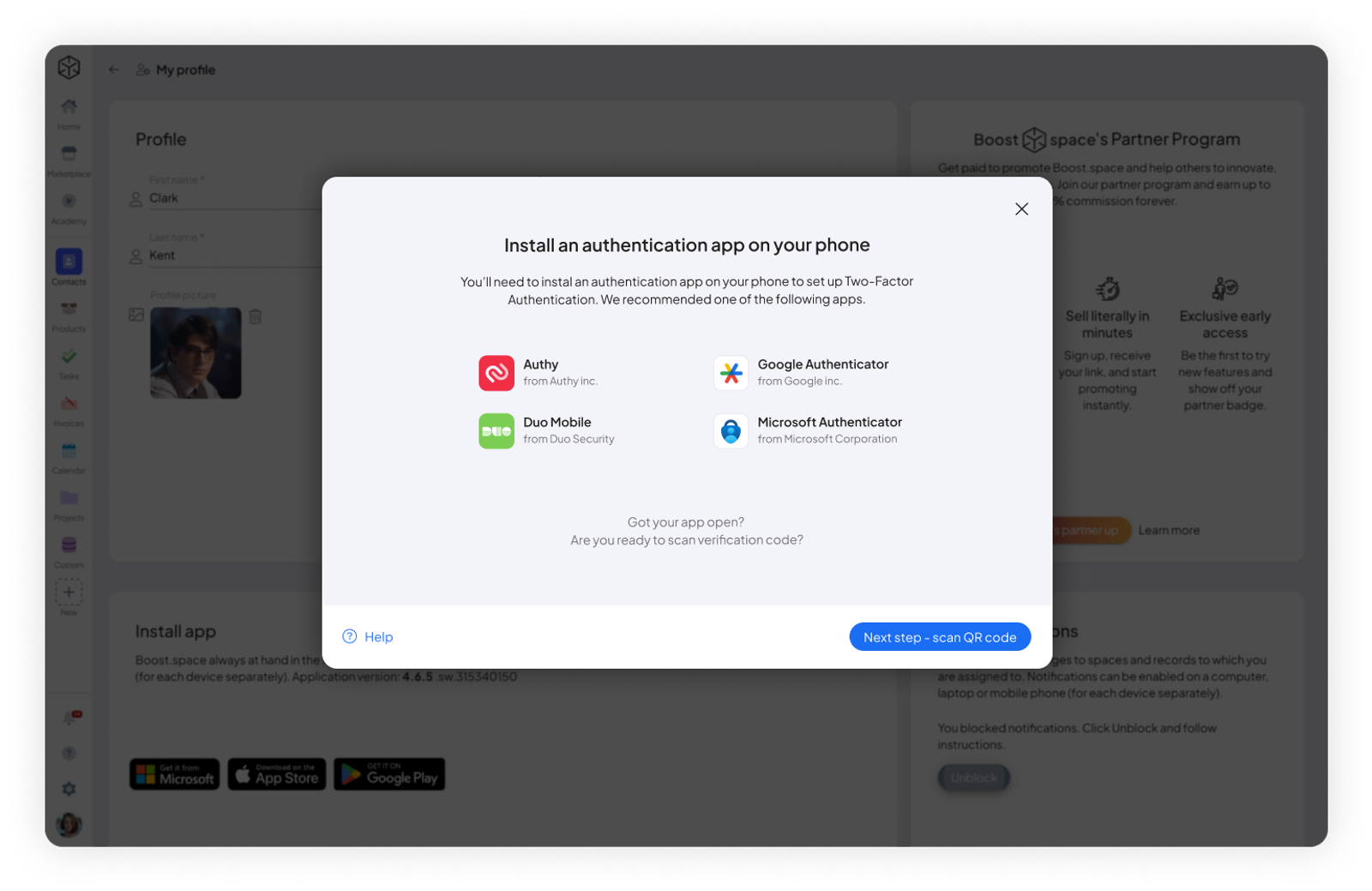
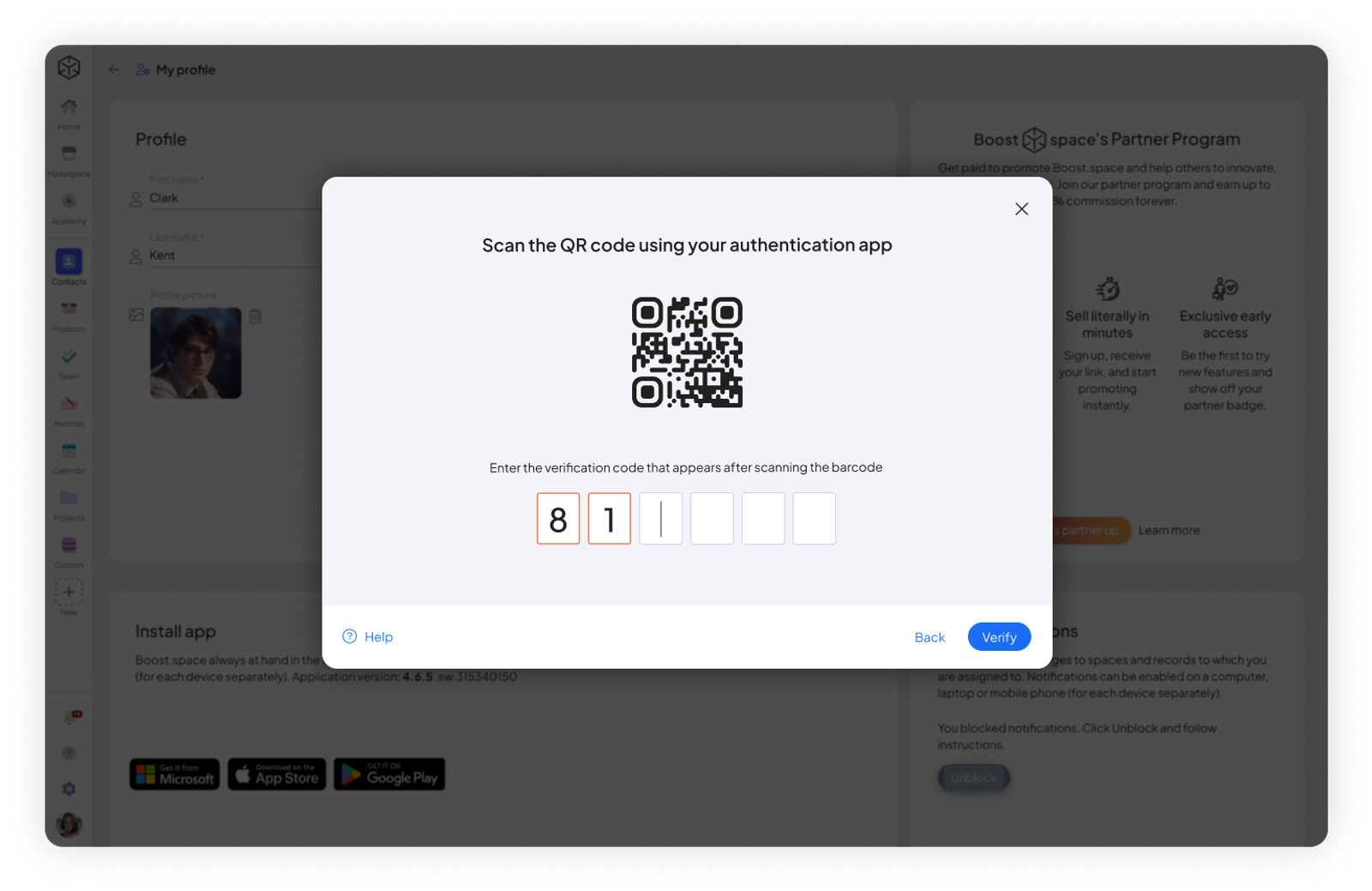
2FA Verification